How it works

How Golf Practice Buddy works

From choosing what to practice to tracking every shot, Golf Practice Buddy gives you a structured system to build skills, measure your progress and prepare to perform on the course.

Start Free 7-Day TrialNo credit card required.
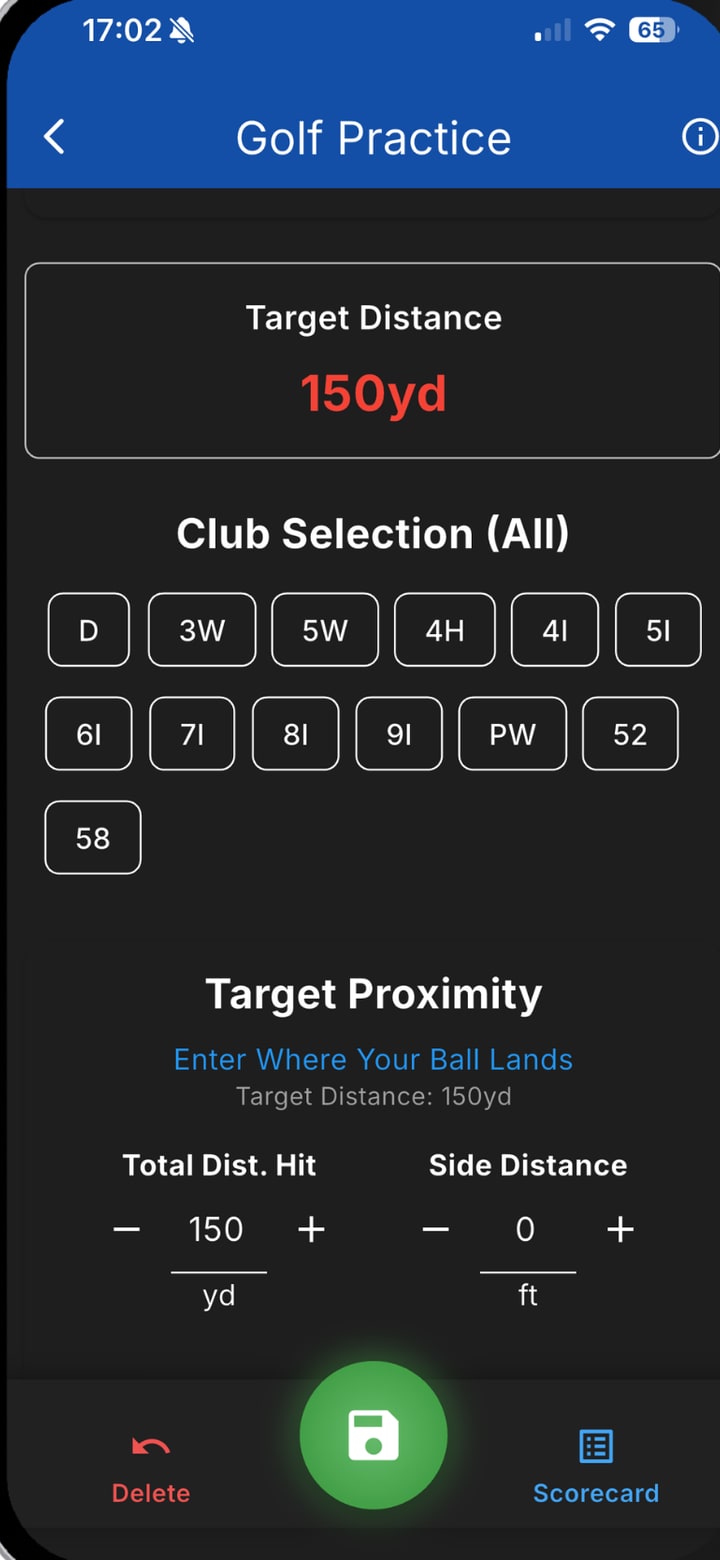
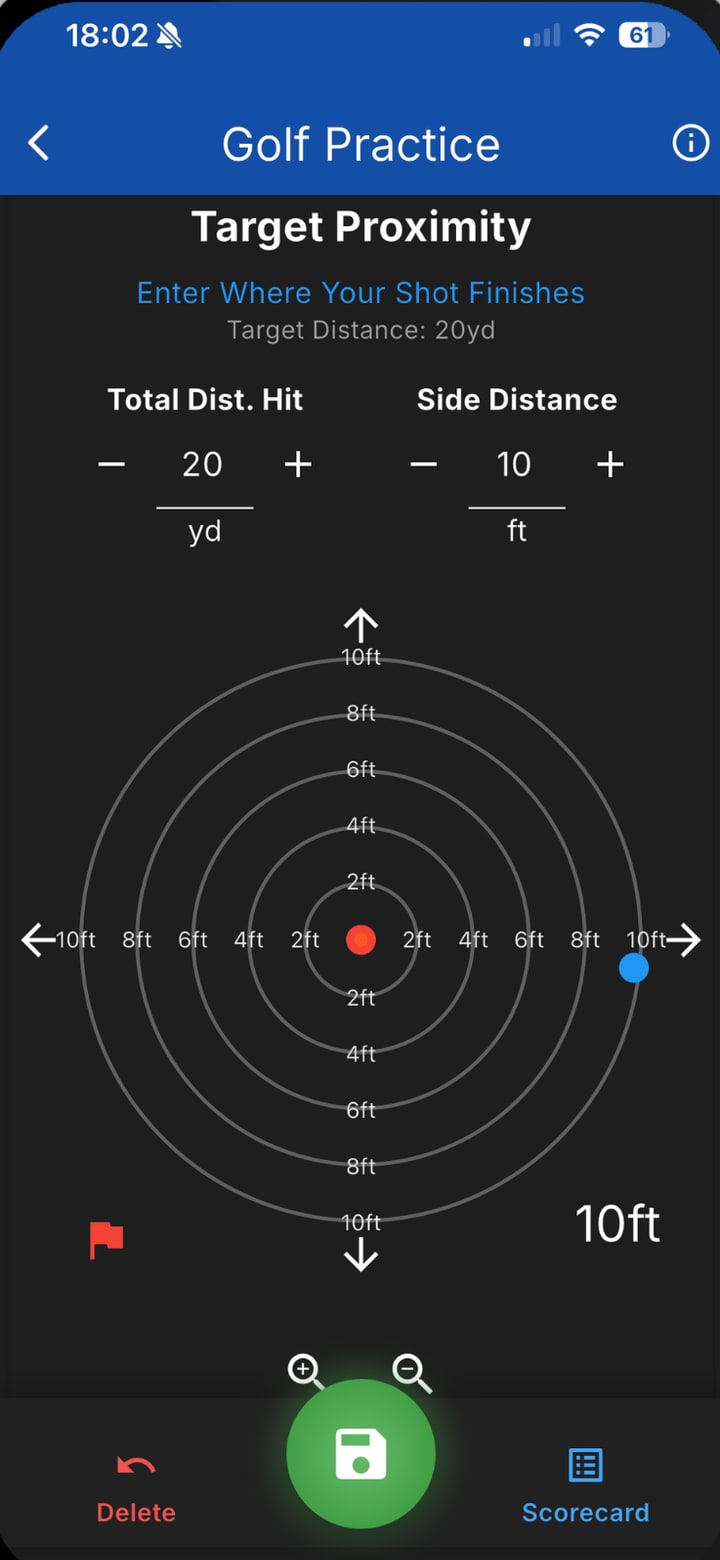
Target proximity entry screen
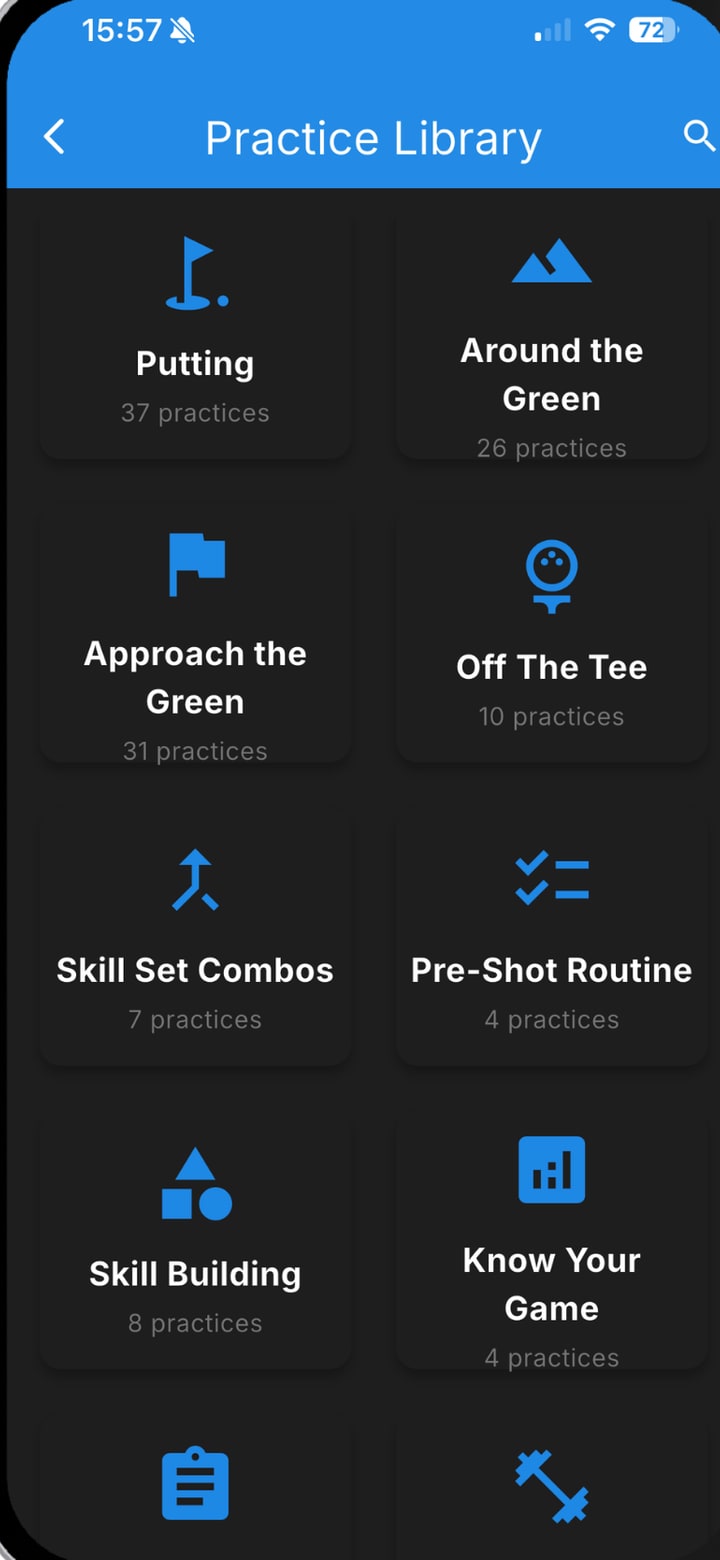
Practice Library screen

Start practicing in minutes

You don’t need existing statistics or a practice plan to get started.

  1. Choose your practice

    Explore the Practice Library, try a Start Here practice, complete a Benchmark Assessment, follow a Training Plan or ask Buddy AI what to work on.

    Start New Practice and Choose Practices screens listing putting practices by distance
  2. Follow the challenge

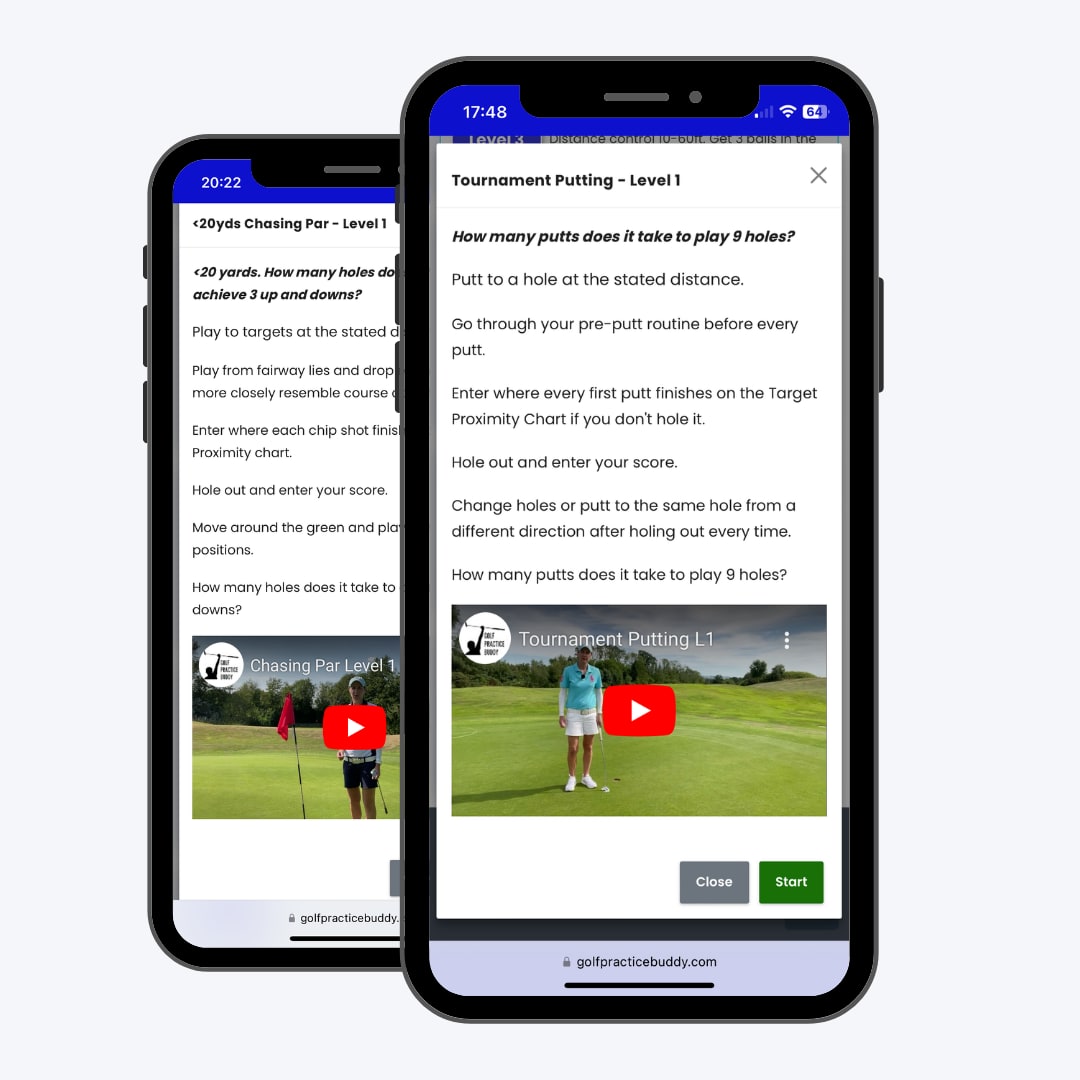
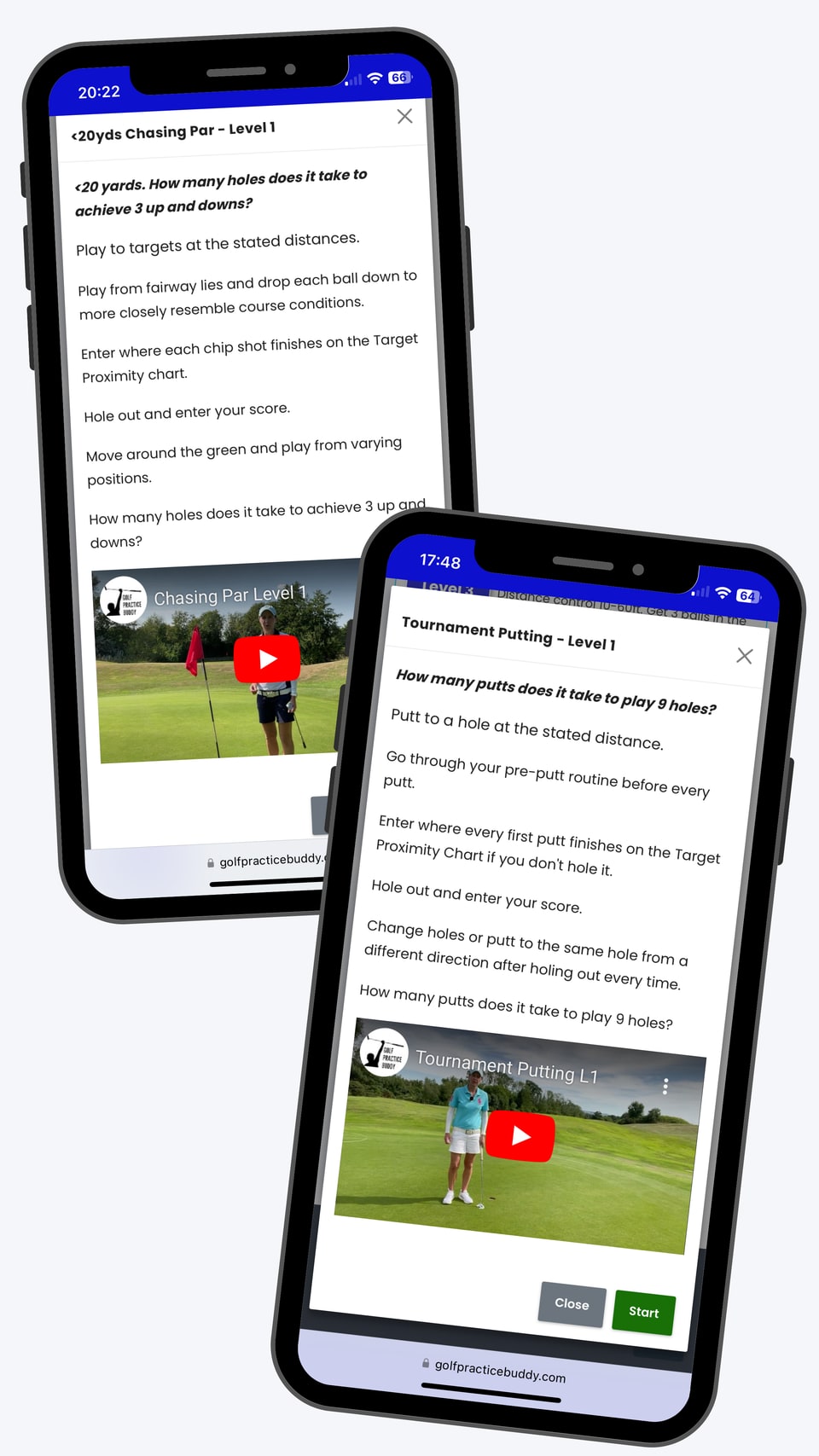
    Every practice provides clear instructions, scoring and a specific goal. Choose a level that matches your ability.

    Practice instruction screens for Chasing Par and Tournament Putting with a demonstration video
  3. Record your shots

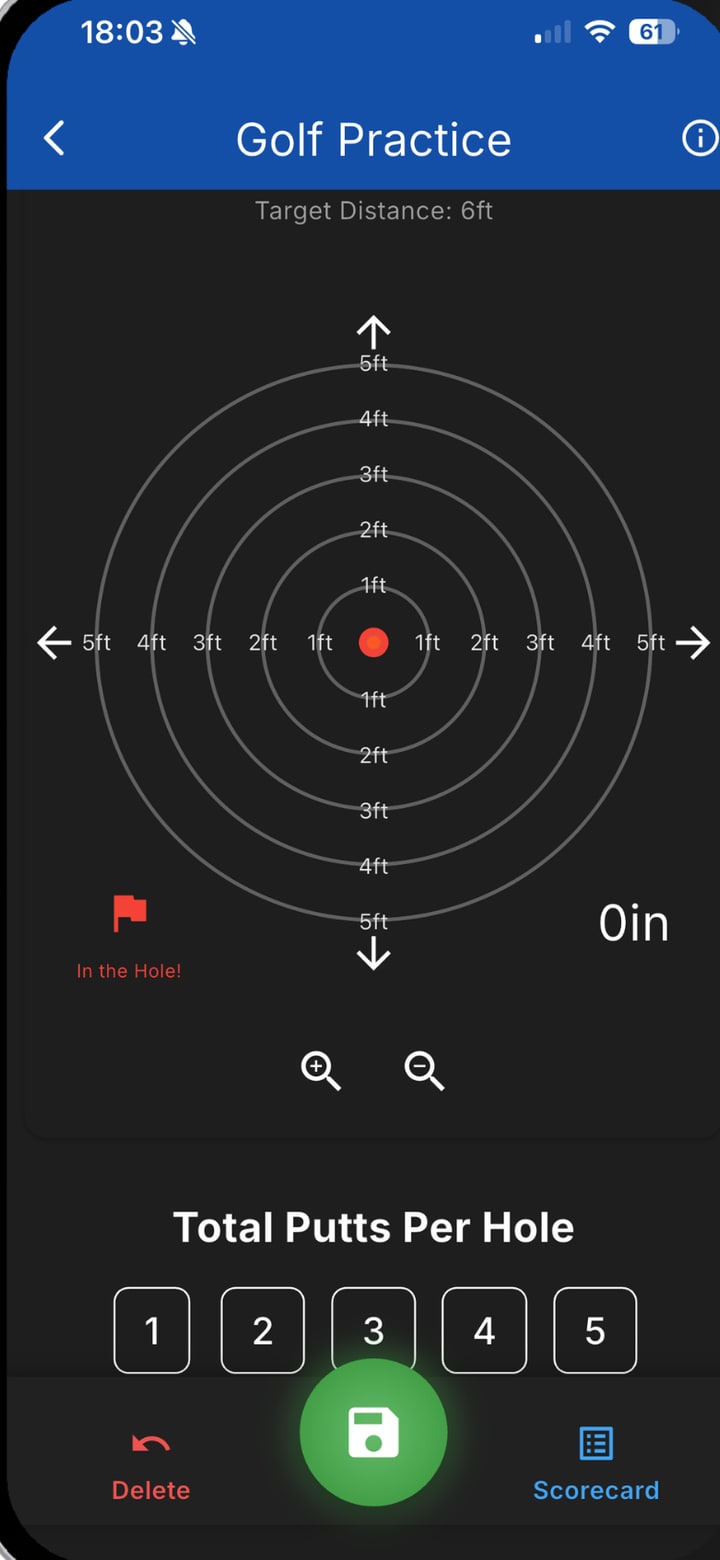
    Log your results shot by shot. Get instant feedback as Golf Practice Buddy calculates your scores and saves your practice history.

    Putting shot entry screen with the target rings and putts per hole
  4. Track and review

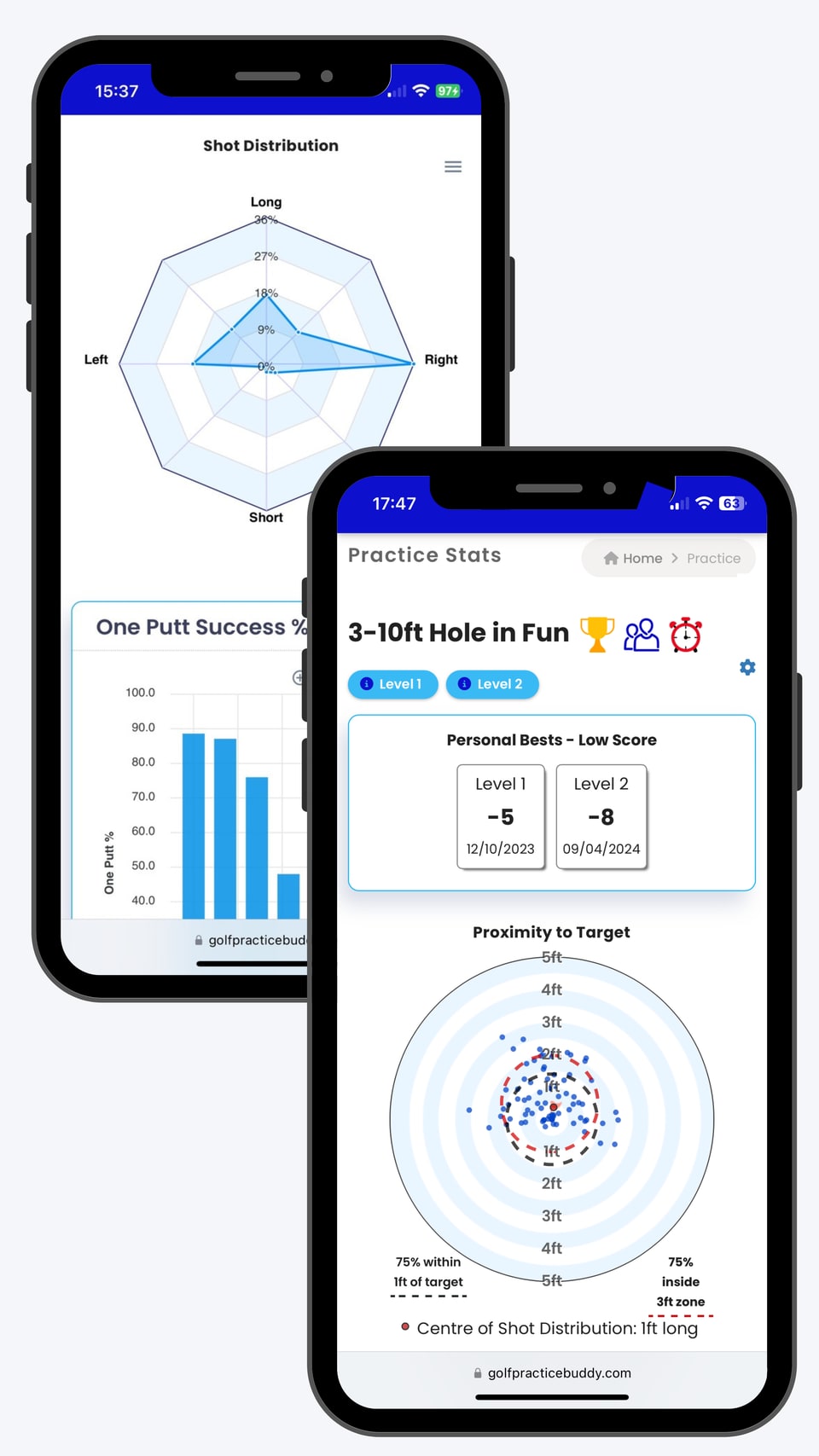
    View your performance analytics, identify patterns, track personal bests and discover what to work on next.

    Practice stats screens: one-putt success chart and the 3-10ft Hole in Fun proximity plot with personal bests

Build skills. Test performance.

Golf Practice Buddy uses two types of practice to help you develop skills and prepare for the course.

Training practices

Build your skills

Develop accuracy, distance control, feel, adaptability and shot-making through structured practice.

Most practices offer progressively challenging levels. Auto Zone adjusts your scoring zones once there’s enough performance data, so the challenge stays at the right level.
Tournament practices

Test your skills

Test your performance through structured scoring challenges that prepare you for the demands of playing golf.

Pressure Tests & Clutch Challenges

How well can you perform when it counts? Take on challenges where scoring and consequence make practice feel more like competition, and build confidence in your ability to deliver when it matters.

A progression across practices, at your own pace:

  1. Build
  2. Train
  3. Test
  4. Add pressure
  5. Add consequence
  6. Test again

Most individual practices have three progressively challenging levels. Move between practices in whatever order suits your game.

Know your game. Measure your improvement.

Golf Practice Buddy helps you understand your performance with benchmarks, shot-by-shot tracking and practice analytics.

Benchmarks
Measure your performance in putting, around the green, approach play and driving. Identify strengths and areas for improvement.
Strokes Gained
Understand where you’re gaining or losing shots against a benchmark.
Dispersion and Proximity
See where your shots finish, how closely they group and how accurately you control distance and direction.
Performance Patterns
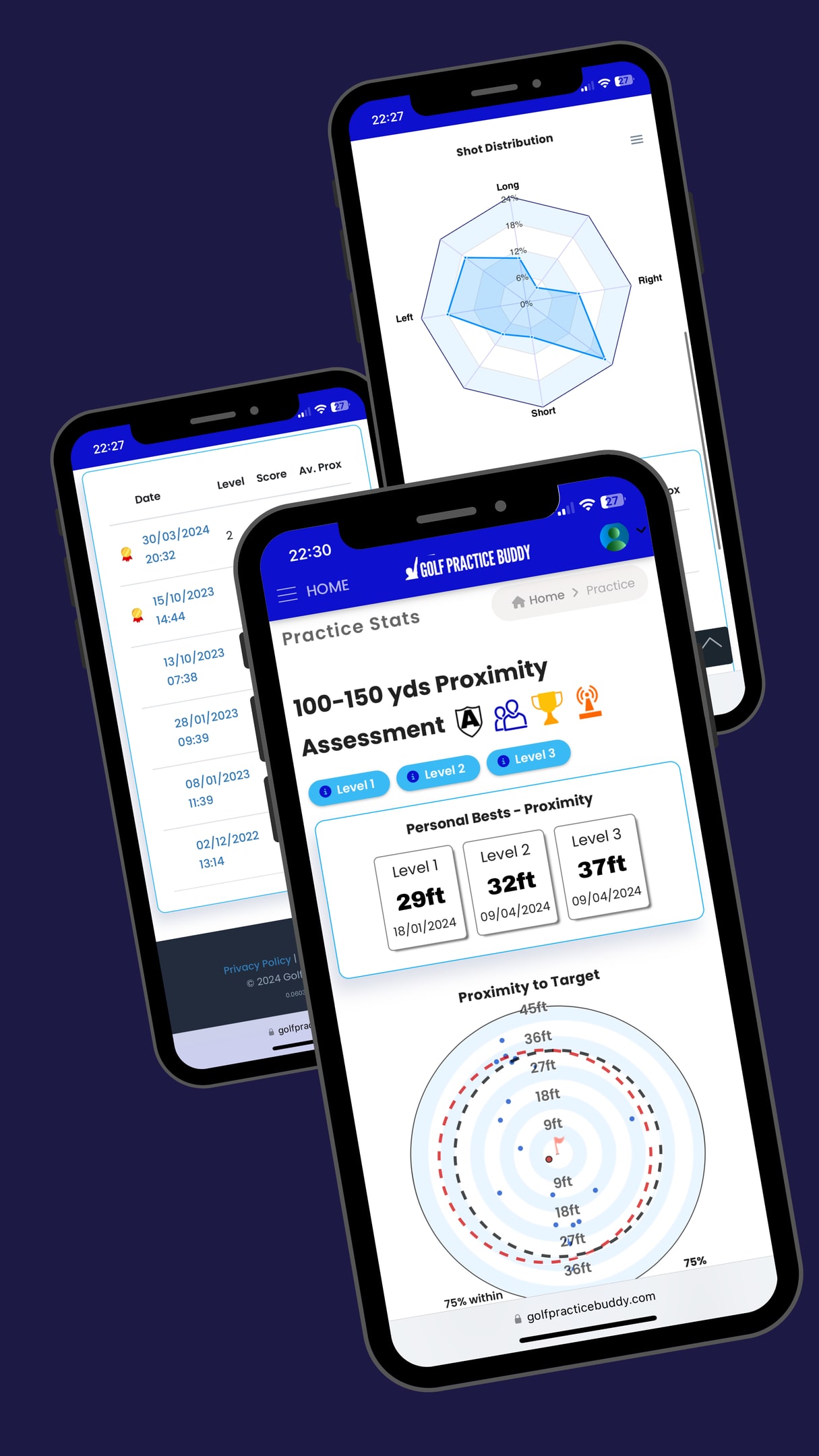
Identify tendencies and trends. Spot miss patterns, track accuracy and review results across practice sessions.
Practice History and Personal Bests
Track your progress, celebrate new personal bests and challenge yourself to beat your previous scores every time you practice.
Three analytics screens: shot distribution radar, practice history list and a 100-150 yard proximity assessment with personal bests

Know what to work on next

Ask Buddy AI

Get real-time practice recommendations based on your goals, current skill level, available time or facilities.

Training Plans

Follow structured programmes that guide your practice over multiple sessions.

Auto Zone personalised challenge levels

Golf Practice Buddy’s Auto Zone automatically adjusts your scoring zones based on your performance, keeping practices at an optimal level of challenge to support skill development and learning. Auto Zone activates once you’ve recorded enough shots within a skill set.

Coach-assigned practices

Connect with your coach, complete assigned practices and share your progress.

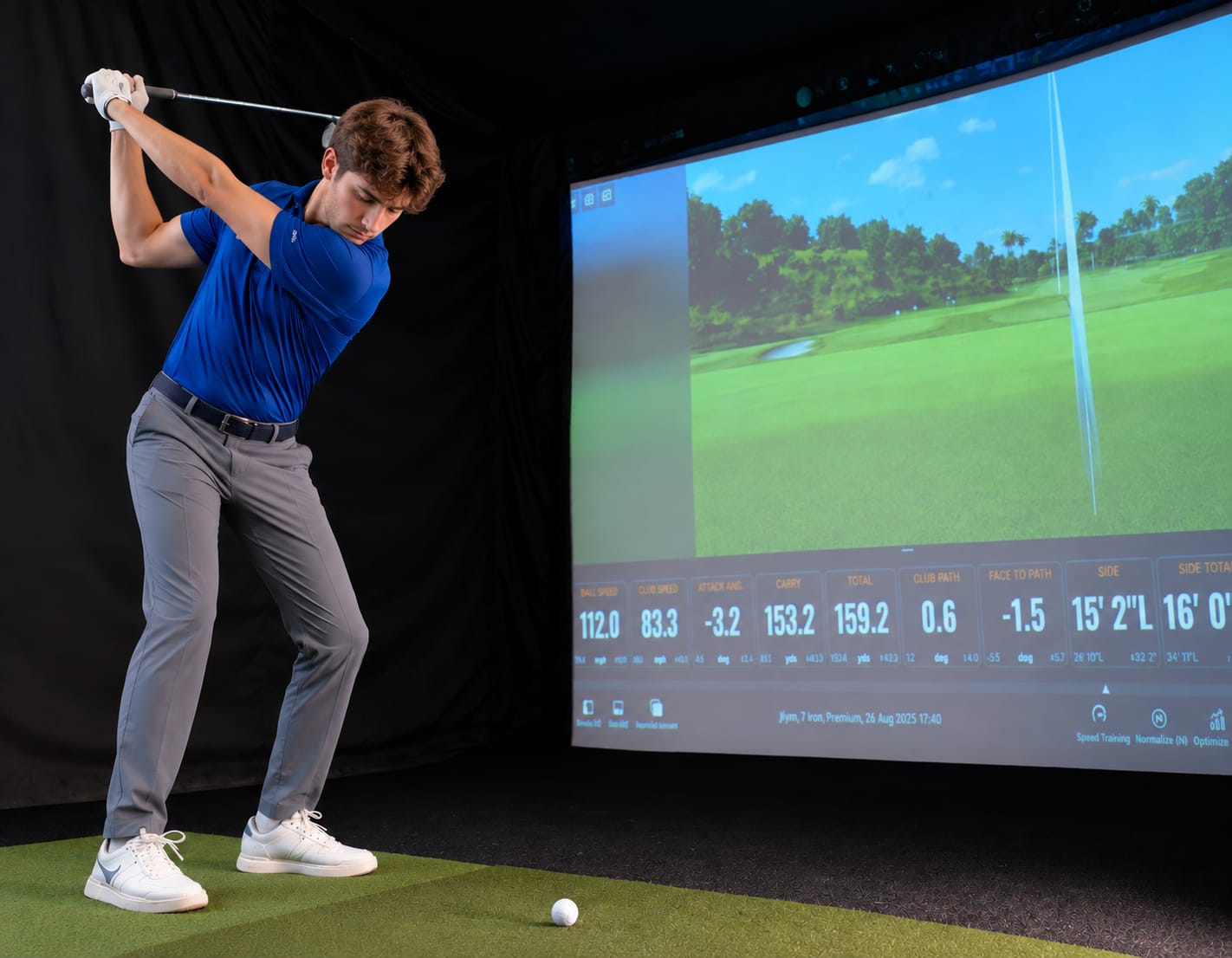
Golfer hitting into an indoor simulator screen
150-yard target practice screen

Your practice. Your progress. Anywhere.

Use Golf Practice Buddy on the driving range, putting green, short-game area, golf course or indoor simulator.

Record every shot, take on structured challenges, track your progress and work towards new personal bests. Make every practice count.

For more detailed analysis, explore your performance data through GolfPracticeBuddy.com.

Get it on Google PlayAvailable on Android and web. iPhone app coming soon.

Ready to make your practice count?

Choose your first challenge, track your performance and start working towards better scores.

Get it on Google PlayAvailable on Android and web. iPhone app coming soon.
QR code linking to golfpracticebuddy.com/get

Get the app on your phone

Point your phone's camera at the code, or open golfpracticebuddy.com/get on your phone.

Get it on Google Play

Available on Android and web. iPhone app coming soon.

Start Free 7-Day Trial